CBCTScope
A CBCT viewer built by the radiologist who reads with it.
A complete, local-first CBCT viewer in eight purpose-built reading modes: orthogonal MPR with 3D rendering, a multi-slice grid, curved panoramic with nerve tracing, TMJ, freehand reslice, virtual cephalogram, region growing with airway analysis, and two-volume stitching. The same instrument reads 2D radiographs (panoramic, intraoral, computed and digital radiography), and it is free, open source, and local-first: no account, no cloud, no upload, ever.
No agent is required; CBCTScope is a complete standalone viewer. It is also, as far as I can find, the first purpose-built CBCT reading viewer with native AI-agent control, built on one rule: the agent moves the camera, the human reads. An agent connected over MCP opens scans, switches reading modes, sets the window, moves through slices, and takes snapshots, while the scan never leaves your computer. The field has since arrived at the same place: in the ABRA benchmark (May 2026), ten current models executed viewer actions at 89 percent or better and reached 0 to 25 percent on outcomes, the bottleneck in perception, not tool use.
Board-certified specialist in oral and maxillofacial radiology · 100,000+ studies reported
- Reading modes
- 8 purpose-built
- 2D radiographs
- Panoramic · intraoral · CR · DX
- Standalone
- No agent required
- Agent surface
- 15 MCP verbs, navigation only
- Privacy
- Local-only · loopback-bound · no uploads
- License
- AGPL-3.0, open source
- Runs on
- macOS · Windows · Linux, double-click starters
- Current release
- v1.6.1, October 21, 2026
Latest releases: v1.6.1 (October 21, 2026): the trust release: a host-by-host MCP connection guide, a threat model, hardened CI, and the claim line on its rule. v1.6.0 (September 9, 2026): the agent surface grows from 8 to 15 navigation-only verbs (viewer state, pick a scan in the native dialog without the agent seeing the path, saved views with an agent badge, 3D style, panoramic arch and grid navigation), every verb annotated with an output schema, read-only resources, four reading choreographies as prompts, a one-click bundle for Claude Desktop and an Agent Skill.
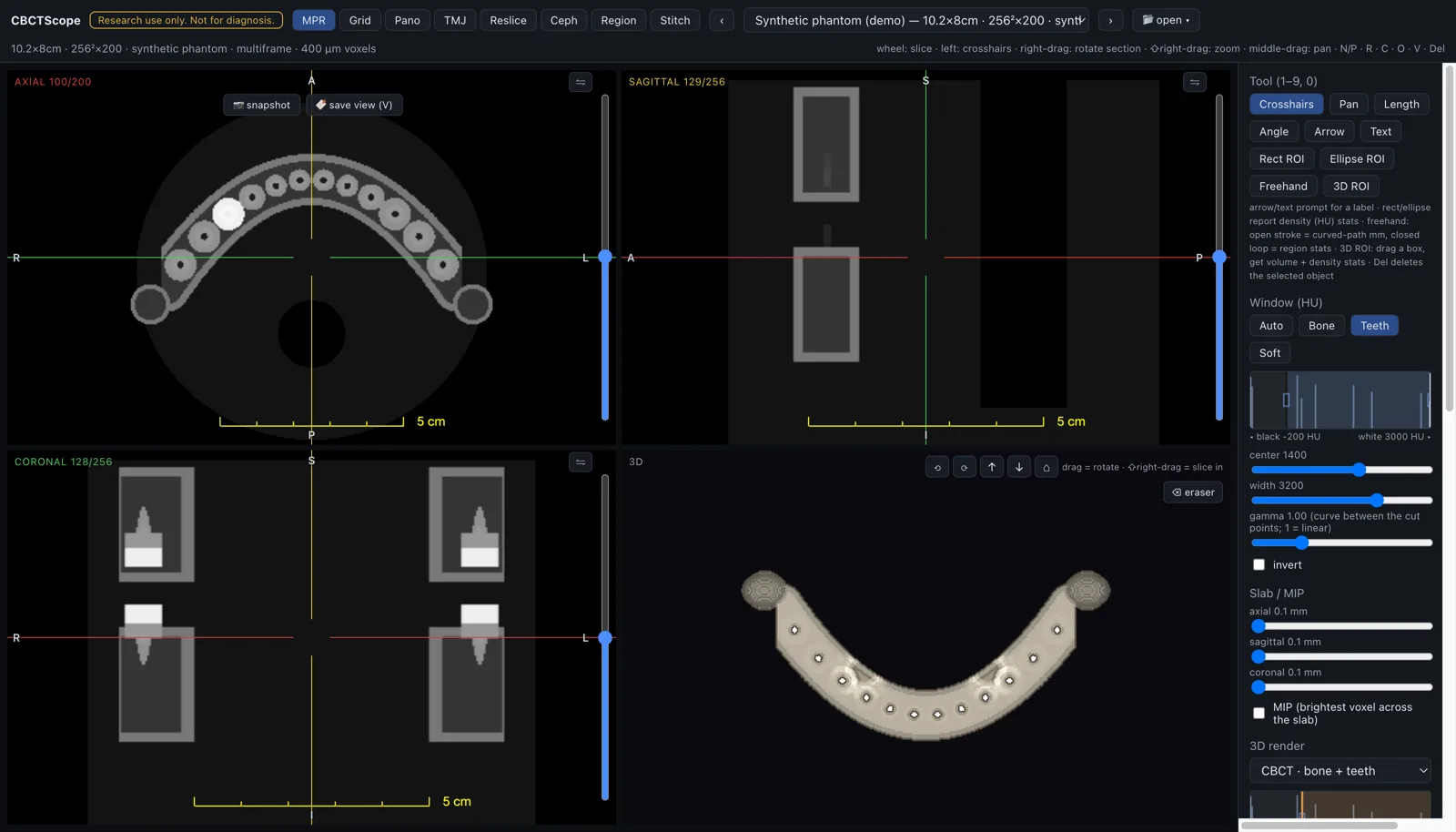
MPR + 3D
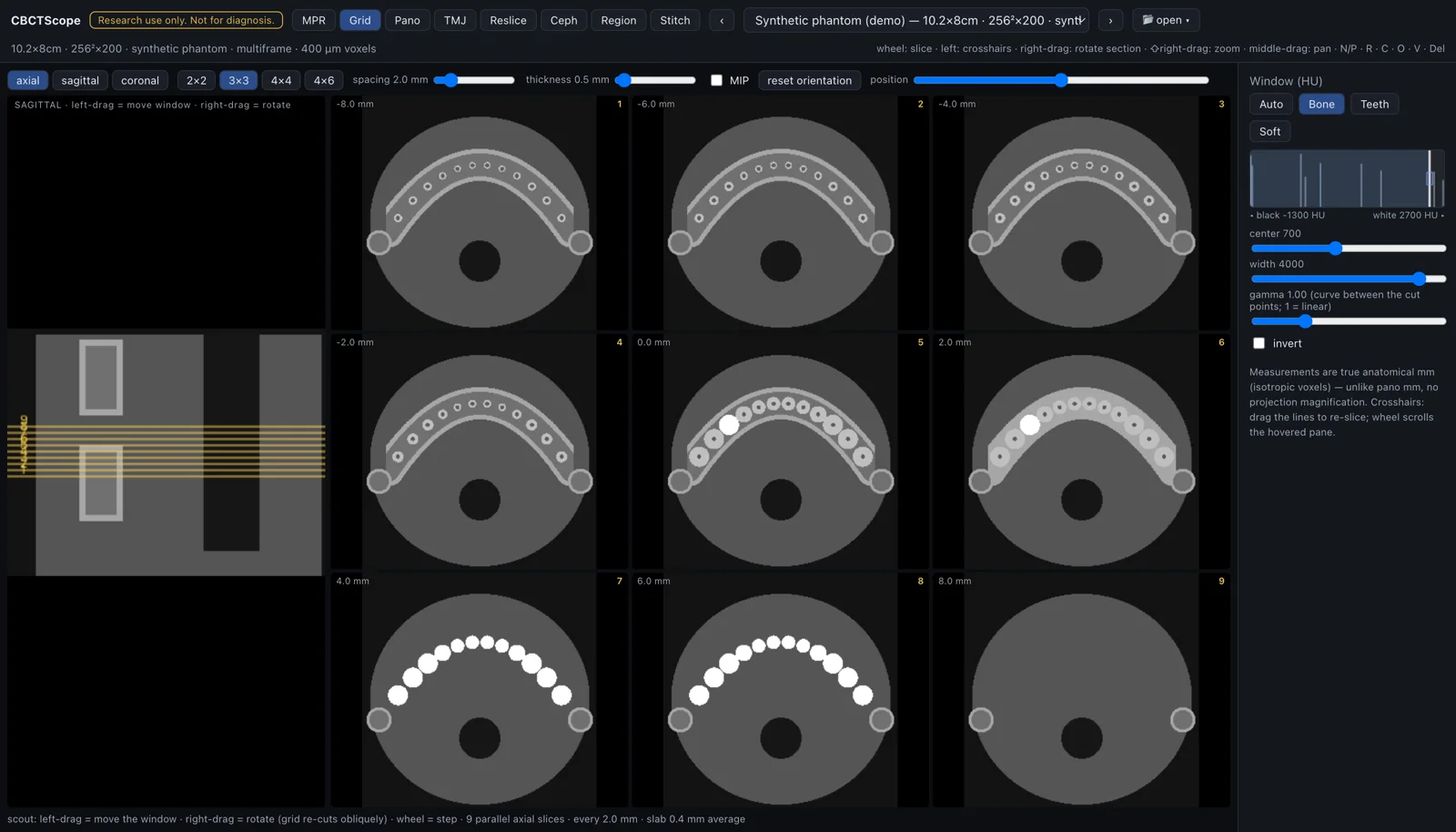
Multi-slice grid
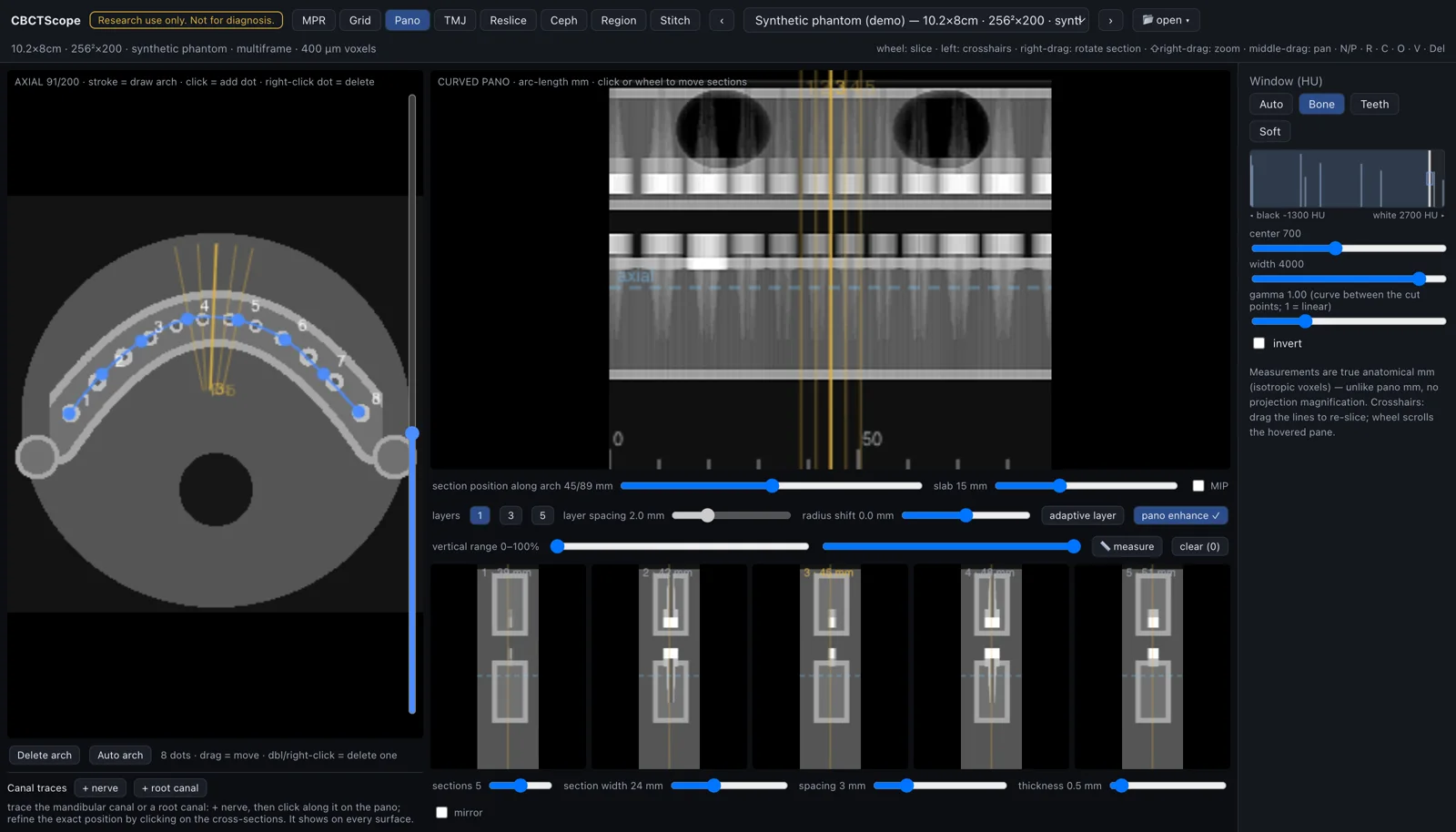
Curved panoramic
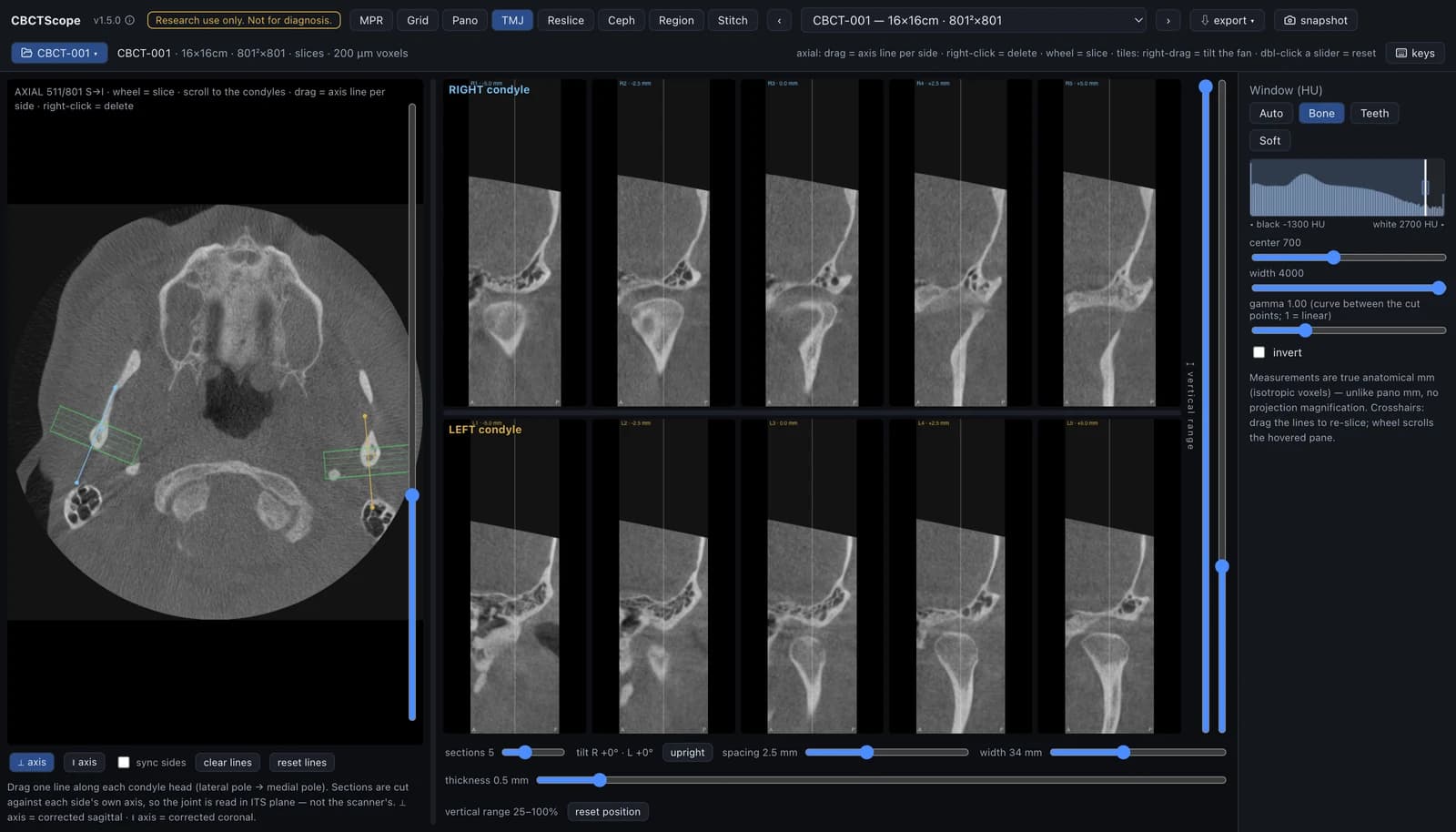
TMJ condyles
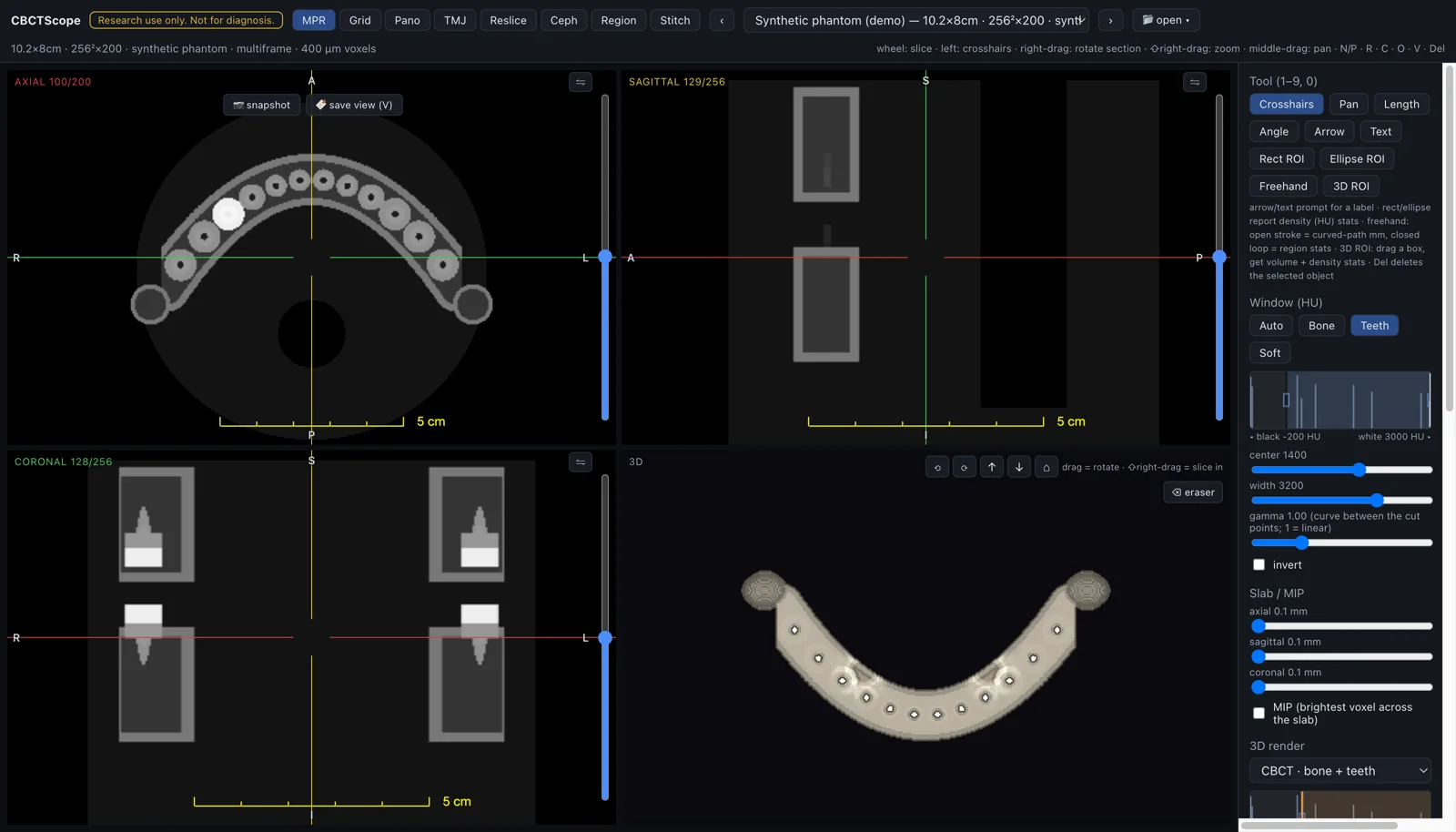
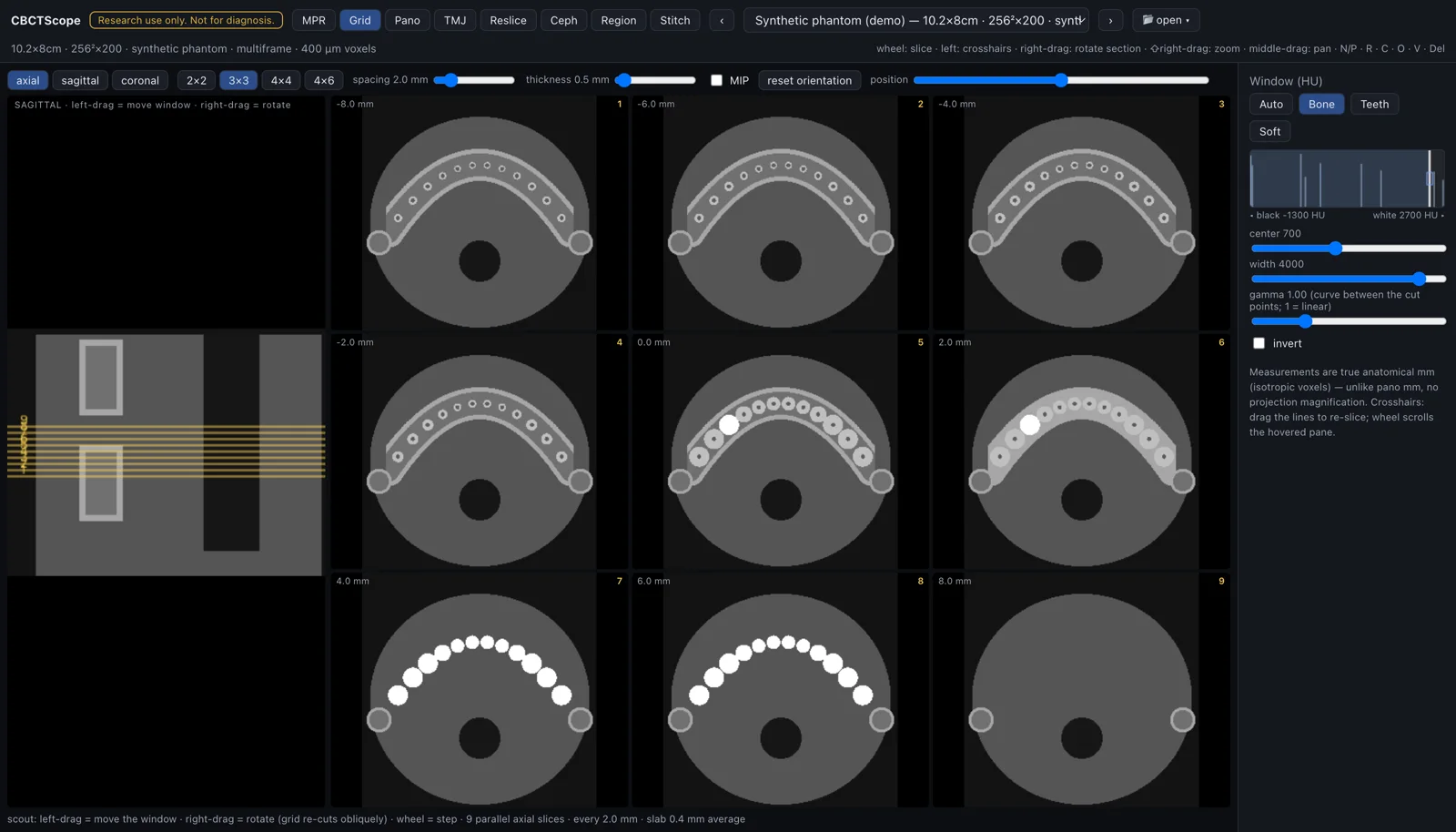
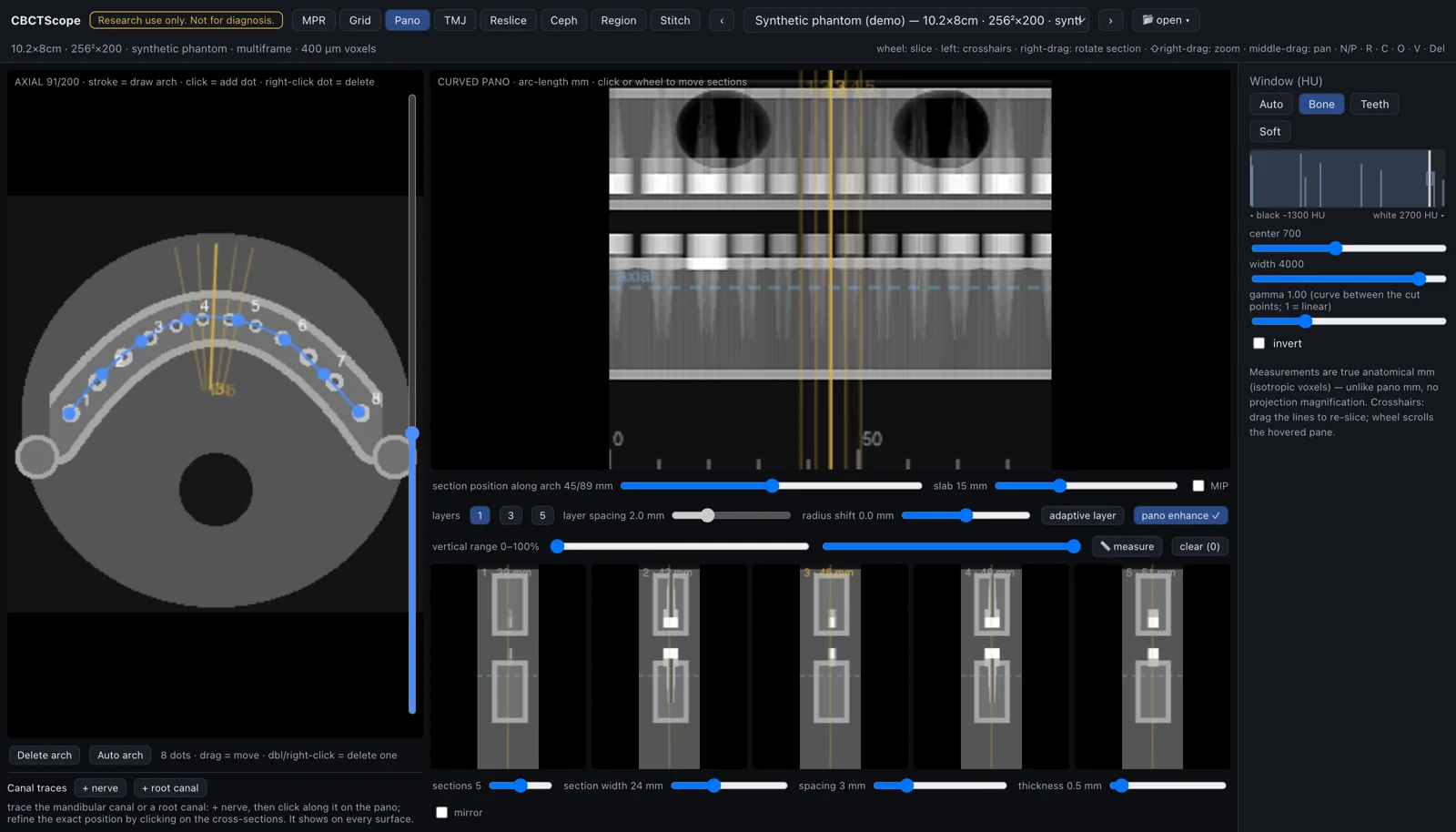
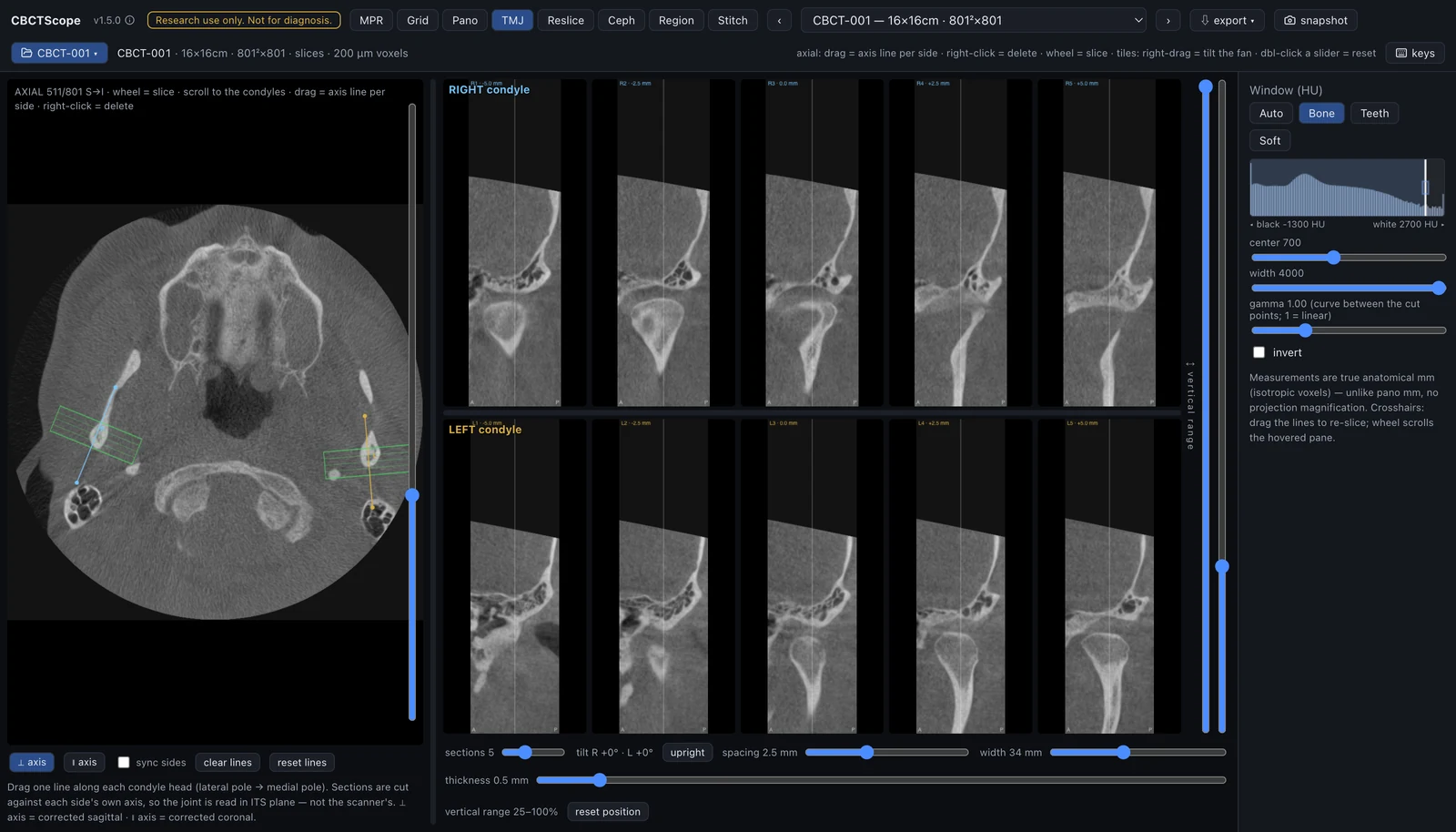
Four of the eight reading modes, on the same real CBCT as the recording. Click any still for full resolution.
Research use only. Not a medical device. CBCTScope visualizes and navigates volumes. It never produces findings, measurements-as-conclusions, or diagnoses, in the UI or over MCP, and it is not for clinical decision-making.
Agent-native imaging
An agent-native viewer exposes clinical navigation verbs, not code execution. CBCTScope’s agent surface is fifteen verbs, all navigation or visualization: open a scan, or let the reader pick one in the native dialog so the agent never sees the path; read the viewer state; switch mode; set the window and the 3D style; move through slices, the grid and the panoramic arch; bookmark and restore saved views, each agent bookmark badged as such; snapshot; reset. Read-only resources mirror the state, four reading choreographies ship as prompts, and a one-click bundle installs the server into Claude Desktop. There is no tool that returns an interpretation. That constraint is the design: the agent can operate the instrument the way an assistant operates the viewer’s controls, and the reading itself stays with the human. Neighboring projects put agents next to imaging in other ways; the repo credits them and maps the differences.
The agent moves the camera. The human reads.
Reading modes
Eight purpose-built modes for oral and maxillofacial reading: orthogonal MPR with 3D rendering, a multi-slice grid, curved panoramic reconstruction with nerve tracing, TMJ with axis-corrected sections for both condyles, freehand reslice, virtual cephalogram, region growing with airway analysis, and two-volume stitching. The reconstruction math is original, implemented from scratch and informed by reading practice, not lifted from any vendor. The same instrument also opens single 2D radiographs (panoramic, intraoral, and computed or digital radiography: DICOM PX, IO, CR, DX) under identical display settings.
Privacy by construction
Scans are read in place from a folder you pick; nothing is copied or uploaded. There is no hosted instance and there never will be one. The server binds to loopback and rejects any request whose Host or Origin is not local, so neither another device on your network nor a hostile page in another browser tab can reach it. The bundled demo mode goes further: it never restores a previously opened scan, so a demonstration or recording cannot surface a real case by accident. The real CBCT on this page is there on purpose, with written consent, de-identified before the viewer ever read it.
Run it
Three steps, no technical background needed. CBCTScope is not an installed app with an icon: it is a small local program you start once per reading session, and your browser is the screen. Everything is undone by deleting the folder.
- Install Node.js 22 or later from nodejs.org: download the LTS installer, run it, accept the defaults. It is the free runtime that runs the viewer, the way a browser runs a web page.
- Get CBCTScope. On the GitHub page click the green Code button, choose Download ZIP, and unzip it somewhere you can find again.
- Start it. In the unzipped folder, double-click Start CBCTScope.command on macOS or Start CBCTScope.bat on Windows. The first start downloads the viewer’s components once (about 130 MB downloaded, 600 MB on disk: ten to fifteen seconds on my Mac and connection, longer on a slow one); then your browser opens the viewer by itself, on a built-in synthetic phantom. The full viewer works with zero patient data.
If macOS refuses that first open, go to System Settings, Privacy & Security, and click Open Anyway; if Windows shows a security warning, choose Run. Each system asks once. On Linux, or if you prefer a terminal: npm install once, then npm run dev, and open localhost:3810. To stop the viewer, close the starter’s window; next session, double-click again.
Agent-native instruments
One principle, two domains
Bounded verbs for the agent, commit rights for the human. CBCTScope applies it to reading CBCT volumes; Quoin applies it to text.
See Quoin